The Secret Weapon in Your Demo Isn’t What You Think
by Liza Chubar
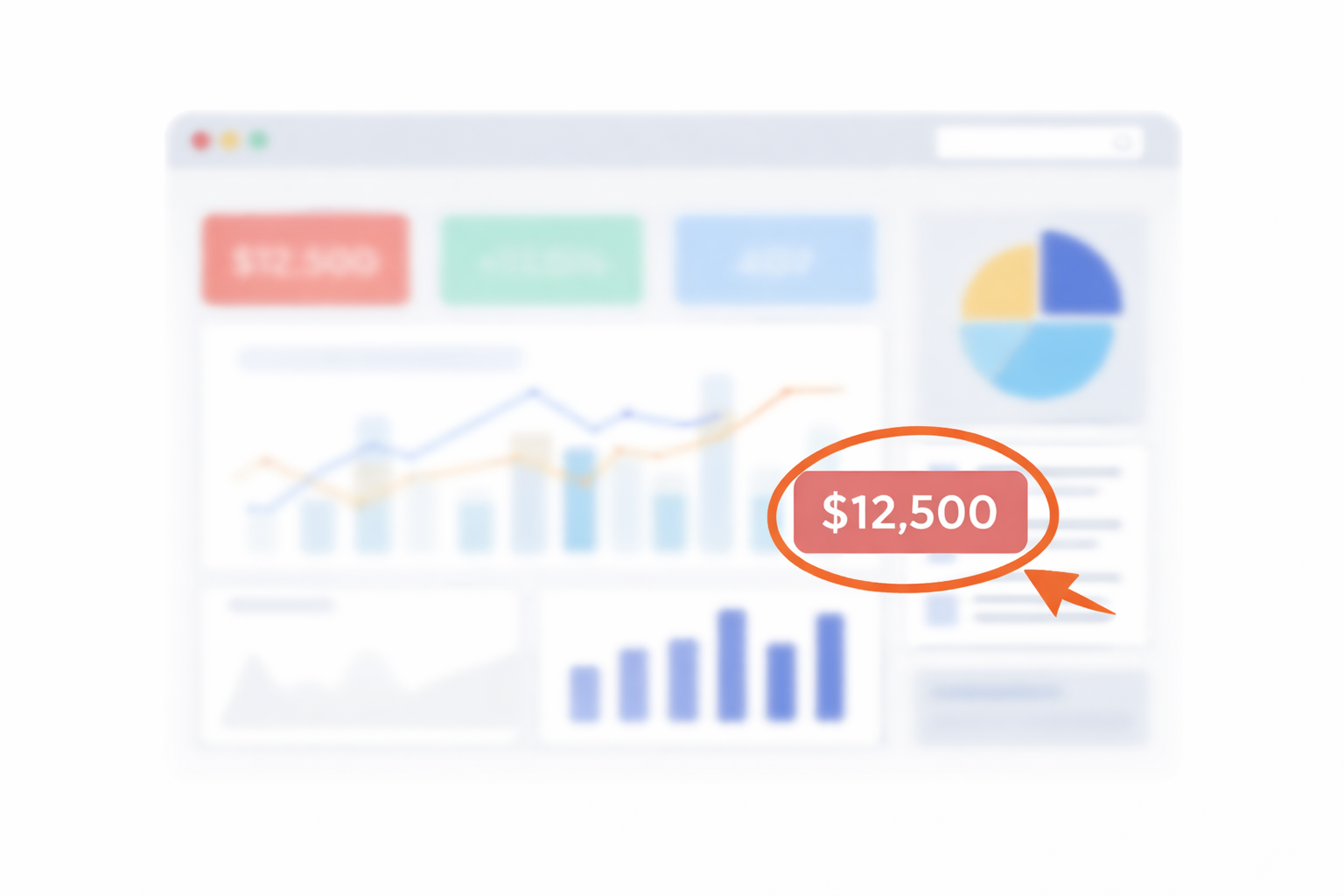
In the world of sales engineering, we often assume the latest technology or the most elaborate demo environment will wow our audience. But a recent LinkedIn post by Ryan Krueger, a Senior Solutions Engineer at Glean, revealed a different kind of secret weapon, one that’s deceptively simple.
Ryan wrote: “Every Sales Engineer has one tool they quietly rely on. For me, it’s an annotator.” In other words, a basic screen-drawing utility, used at just the right moment, can draw attention to the one thing that matters at exactly the moment it matters, which changes the entire demo. His post sparked an outpouring of comments from SEs across our community, all eager to divulge their own go-to tricks. The discussion highlighted a compelling truth: when it comes to great demos, simplicity and control often trump complexity.
Simple Tools, Big Impact
There’s a reason these “small” tools get so much love from Sales Engineers: they reduce friction in the exact moments where friction is most expensive.
A live demo is a high-attention environment. Customers are trying to follow your story, interpret the UI, and map everything to their own world in real time. If they lose the thread for even 15 seconds, it can take minutes to win it back. Something as basic as an annotation tool acts like a spotlight: it tells the audience, “Look here, this is the point.” It is not about being fancy. It is about being clear.
And clarity is control. Control of pace, control of focus, control of what the audience remembers. When SEs say a tool “changes the entire demo,” they usually mean it prevents those tiny derailments that add up: the awkward scroll, the “where are we?” moment, the tab hunt, the accidental backtrack. Small tools help us keep the demo feeling intentional.
Sales Demo Tools and Habits from the Field
Ryan’s thread turned into a rapid-fire exchange of “things I do to keep demos clean.” Here are a few themes that stood out, with minimal tool name-dropping (and a reminder that most of these ideas have multiple equivalents):
- Point the room’s attention on purpose. Use a visual “spotlight” so the audience never has to hunt for what matters. Circle, underline, or cursor-highlight the exact element that supports your point, right when you say it. Done well, it turns a busy screen into a guided story and keeps the demo moving without “wait, where are you?” moments. (David Donatelli; Liam Mahoney; Sudarshan I.; Saad Malik)
- Reduce setup time to near-zero. Build a repeatable demo launch routine that gets you from “join meeting” to “ready to present” fast. Pre-stage the screens you’ll show, group them logically, and use shortcuts/macros for the repetitive stuff (screenshots, navigation, resets). The goal is less cognitive load and less fumbling, especially under pressure.(Faraz H.; Mike Zimmer;).
- Create safer transitions. Hide the messy parts of switching contexts. When you need to jump between apps, tabs, or views, use a transition technique that prevents the audience from seeing backtracking, wrong clicks, or setup steps. Smooth transitions protect credibility and keep the “this is under control” feeling intact. (Evan Grace; Brett Harrington)
- Personalize without rebuilding. Make the demo feel tailored without maintaining a whole separate environment per customer. Lightweight personalization can be as simple as swapping labels, values, or on-screen elements so the story matches the prospect’s world. The best approach is quick, reversible, and doesn’t require a custom build to deliver that “made for us” moment (Severin Neumann; Sean Kim).
- Keep the environment clean and the story practiced. Strip the demo down to what serves the narrative. Use clean data, avoid clutter, and align each screen with a specific point in your talk track so nothing feels accidental. Pair that with practiced storytelling and strong on-camera presence so the demo is not just technically correct, but easy to follow and confident in delivery (Allan Arguello; Ayesha K.; Björn Bredenkamp).
- Add one memorable “signature”. Use one consistent, audience-friendly cue that makes your demo easier to track and more memorable. It might be a distinctive way of pointing, a simple physical prop for emphasis, or a visual convention you repeat throughout. The key is that it improves clarity for the audience, not just flair for the presenter. (Curtis Barber; Roland K.; Peter Rodrick)
Why We Love the Little Things
What these tips have in common is not the tool. It’s what the tool protects.
-
Preparation
Small systems (tabs, shortcuts, checklists) lower cognitive load so you can focus on the customer, not the interface.
-
Improvisation
When surprises happen, tiny controls (pause, highlight, quick navigation) let you adapt without looking rattled.
-
Psychology
Demos are attention management. Anything that reduces confusion and guides focus increases the chance your value lands.
How to Reduce Demo Prep Time
To reduce demo prep time, separate the setup you can reuse from the decisions you must make for each buyer. Here is a worked example for a sales engineer demonstrating support-ticket software.
- Reusable setup: Keep a test account with a delayed-response ticket and the queue, ticket-detail, and assignment screens bookmarked. Save the ticket’s starting status, priority, and assignee so you know what to restore after each run.
- Buyer-specific preparation: Choose the situation that matches discovery. For a support manager worried about urgent requests getting stuck, personalize the queue and priority labels, then rehearse finding the request and assigning the next action. Leave reporting screens out unless they help answer that buyer’s question.
- Reset before the next demo: Return the ticket to its starting state and check the views and permissions you will use. Reuse the tested setup, not the previous buyer’s priorities. Standardize the setup, not the customer’s story.
Crafting Great Demos: The Little Habits Matter
One practical takeaway: pick one “friction-killer” you can standardize this week (annotation, transition control, pre-loaded tabs, cleaner data), and practice it until it’s automatic. The compound effect is real.
For structured practice beyond these individual habits, explore the sales engineer courses in NAASE’s directory.
Conclusion
Sometimes the biggest differentiator in a sales demo is not what you’d expect. It could be a drawn arrow highlighting a key value on screen, a paused screen share that no one noticed, or just the confidence you carry from being thoroughly prepared. These “small” techniques aren’t really small at all; they are the secret sauce that turns a good demo into a great one. So the next time you’re gearing up for that big presentation, remember the collective wisdom of the SE community: the secret weapon in your demo might just be that unassuming tool or habit you’ve been quietly perfecting all along. Happy demoing, and don’t forget to pass on your own secrets to the next generation of sales engineers!
References: Krueger, Ryan. LinkedIn post: “Every Sales Engineer has one tool they quietly rely on… What’s your secret weapon?” .
https://www.linkedin.com/posts/ryankrueger20_every-sales-engineer-has-one-tool-they-quietly-activity-7407449773026238464-Qw-K/
Comment thread contributors referenced or summarized in this article: Ayesha K., Alex Dorweiler, Allan Arguello, Brett Harrington, Björn Bredenkamp, Curtis Barber, David Donatelli, Evan Grace, Faraz H., Liam Mahoney, Mike Zimmer, Nick Jablonka, Peter Cohan, Peter Rodrick, Prathamesh Gawade, Roland K., Saad Malik, Sean Kim, Severin Neumann, Steve Lerner, Sudarshan I.


Want more Sales Engineering content?
Get the best NAASE thinking each month: new articles, sharp perspectives, and exclusive insights.
Join NAASE